Connect your workspace
Create a scoped API key in your workspace. Start with read-only access when you only need existing results.
Add Google Maps MCP tools for business research to a compatible MCP client. Keep data, tasks and usage in the same workspace.
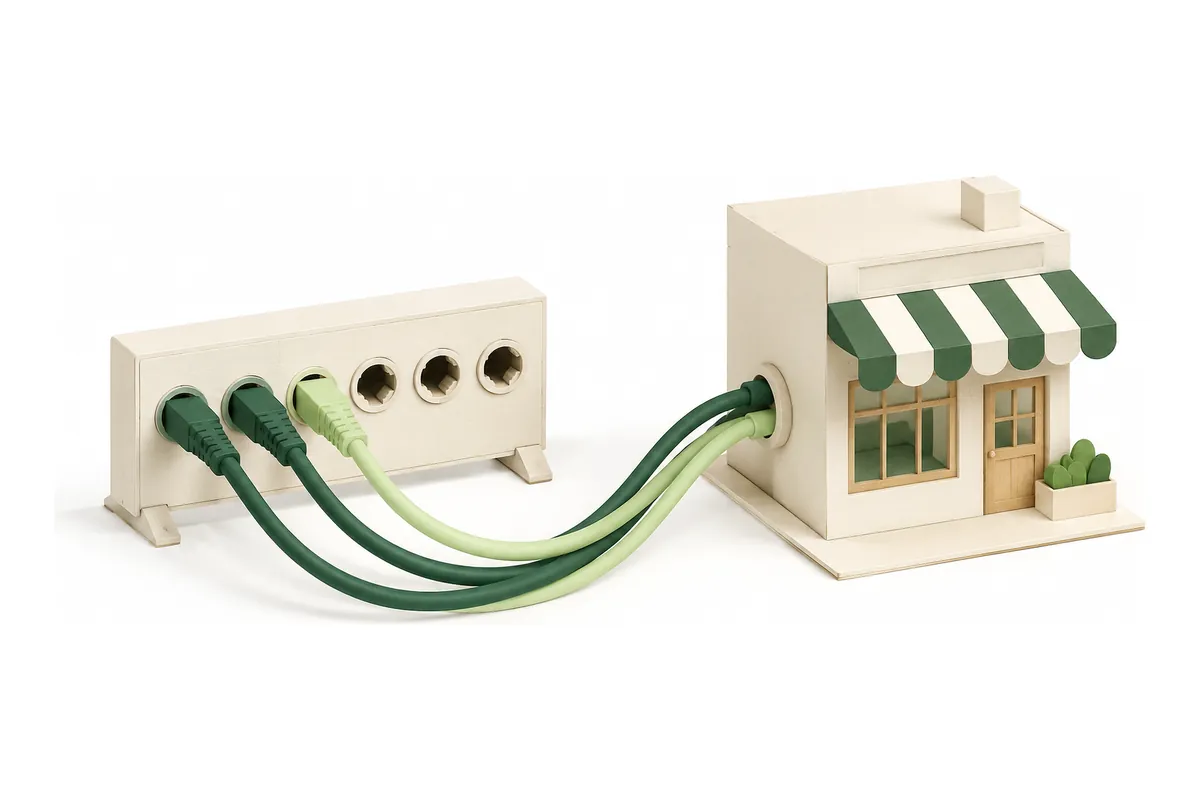
Create a scoped API key in your workspace. Start with read-only access when you only need existing results.
Tell your agent the business query, maximum records and maximum workspace units. Inspect the estimate before execution.
Read the summary, inspect data provenance, then export or organize your businesses in the web workspace.
In browsers with page-level WebMCP support, two free tools offer actions that agents can call:
generate_local_business_schemagenerate_google_review_qrEach action generates a result and updates the visible form and preview. These local actions need no workspace key and do not publish, open links, download files or send messages. Normal form controls work when the browser does not support WebMCP.
The Google Maps MCP endpoint uses Streamable HTTP. Connect with a scoped workspace key as a bearer token, or from an OAuth-capable MCP client after verified-account and workspace consent. Claude Code, Codex and Cursor provide configurable MCP connections; this product’s platform-specific installation has not been certified. ChatGPT and Claude host acceptance and directory listings are not verified.
{
  "mcpServers": {
    "mapsscraper": {
      "url": "https://mapsscraper.dev/mcp",
      "headers": {
        "Authorization": "Bearer YOUR_WORKSPACE_KEY"
      }
    }
  }
}get_capabilitiesget_account_usageestimate_jobget_jobget_job_resultslist_datasetsget_workspace_configget_batchread_listread_reportlist_workspace_recordsread_monitor_runsread_merge_receiptcreate_jobcreate_batchcancel_jobcreate_listsave_businessqualify_businesscreate_reportfind_matchespreview_mergeapply_reviewed_mergeundo_mergelist_sharescreate_reviewed_sharerevoke_shareExplore the workflow with labeled sample records, then connect your workspace for live research.
Explore a sample